
- Install and activate SutraPay for Razorpay.
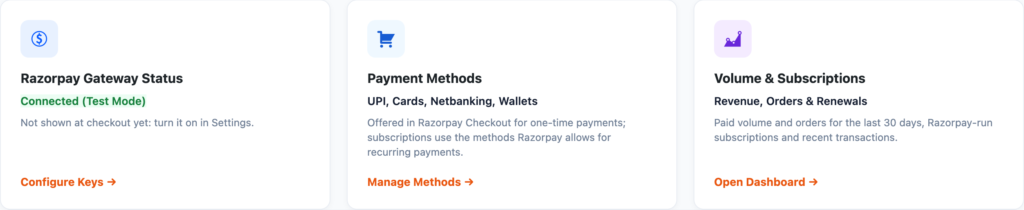
- Go to WooCommerce → SutraPay for Razorpay and follow the Setup checklist: add your Key ID and Key Secret from the Razorpay Dashboard.
- Open the Webhooks screen, copy the Webhook URL, add it as a webhook in Razorpay with the events listed there, and paste the webhook secret into Settings – see Set up the Razorpay webhook.
- Place a test payment in Razorpay test mode, then switch to live keys.
ℹ️ Good to know: Razorpay runs a subscription itself when every renewal costs the same. Otherwise the first payment is taken once and each renewal is invoiced by your site and paid with Razorpay. More guides: SutraPay for Razorpay docs.


