Skip to content

PayPal gateway

Free plugin

The free PayPal payment gateway for WooCommerce

Offer PayPal, Venmo, Pay Later, Apple Pay, Google Pay and credit or debit cards with PayPal’s official REST API and JavaScript SDK v6, and charge subscription renewals with saved methods.
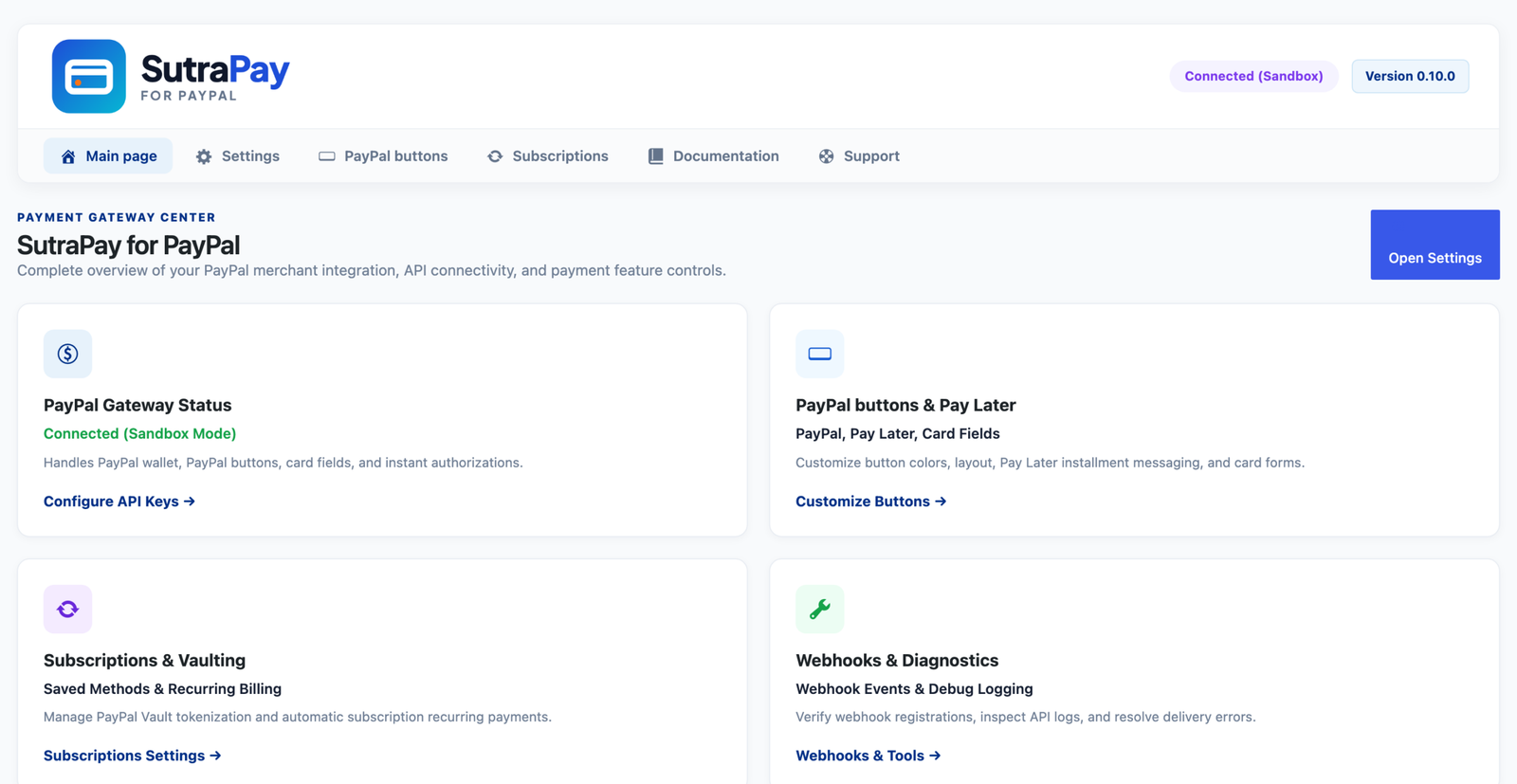
SutraPay for PayPal: hero screen

PayPal JavaScript SDK v6

official REST API, no third-party SDK

Why SutraPay for PayPal

All of PayPal's checkout options in one plugin

Buttons, Pay Later, card fields, wallets, saved methods and renewals, kept in sync with PayPal by webhook.

PayPal, Venmo and Pay Later

Smart buttons on product, cart, checkout and mini-cart, with PayPal Credit where offered.

Pay Later messaging

Instalment messages that show shoppers what they would pay each month.

Card fields with 3-D Secure

Advanced Credit and Debit Card Payments in hosted fields on your checkout.

Apple Pay and Google Pay

Wallet buttons at checkout, confirmed through PayPal.

Saved payment methods

PayPal Vault for PayPal accounts and cards in My Account, at checkout and on the order Pay page.

Subscription renewals

Renewals charged automatically with the saved method for WooCommerce Subscriptions and compatible plugins.

How it works

Built for the way you run your store

Buttons

PayPal buttons that match your store

Choose layout, colour, shape, label and height, and where the buttons appear: product pages, cart, checkout and the mini-cart.

SutraPay for PayPal: style screen
SutraPay for PayPal: vault screen

Vault

Save PayPal accounts and cards for next time

Customers save their PayPal account or card at checkout or from My Account, and subscriptions keep renewing with it.

Get started

Set up in three steps

1

Install and connect

Install the plugin and enter your PayPal REST app’s client ID and secret under SutraPay for PayPal > General. Sandbox first.

2

Choose your buttons

Pick where PayPal, Pay Later and card fields appear and how they look, then turn on Apple Pay and Google Pay if you want them.

3

Register the webhook

Register the webhook from Advanced so orders, refunds and renewals stay in sync with PayPal, then switch to live.

Compatibility

Works with the store you already have

FAQ

Frequently asked questions

Why are renewals not charged?

Saving payment methods has to be allowed for your PayPal REST app: in the PayPal developer dashboard open the app, turn on “Save payment methods” (and “Advanced Credit and Debit Card Payments” for cards), then click “Test connection” on the General tab. The Saved Payment Methods tab shows whether your account can save methods.

Yes: My Account -> Payment methods -> Add payment method takes them to PayPal to approve saving their account; nothing is charged. Cards are saved together with a payment.

Yes. Subscriptions already running at PayPal keep billing and syncing by webhook until they end.

Add PayPal to your checkout today

Free forever. You pay only PayPal’s own fees.
