
- Download the Pro ZIP from your purchase e-mail.
- Keep the free MemberSutra plugin installed and active – Pro adds to it.
- Go to Plugins → Add New → Upload Plugin, choose the ZIP and click Install Now, then Activate.
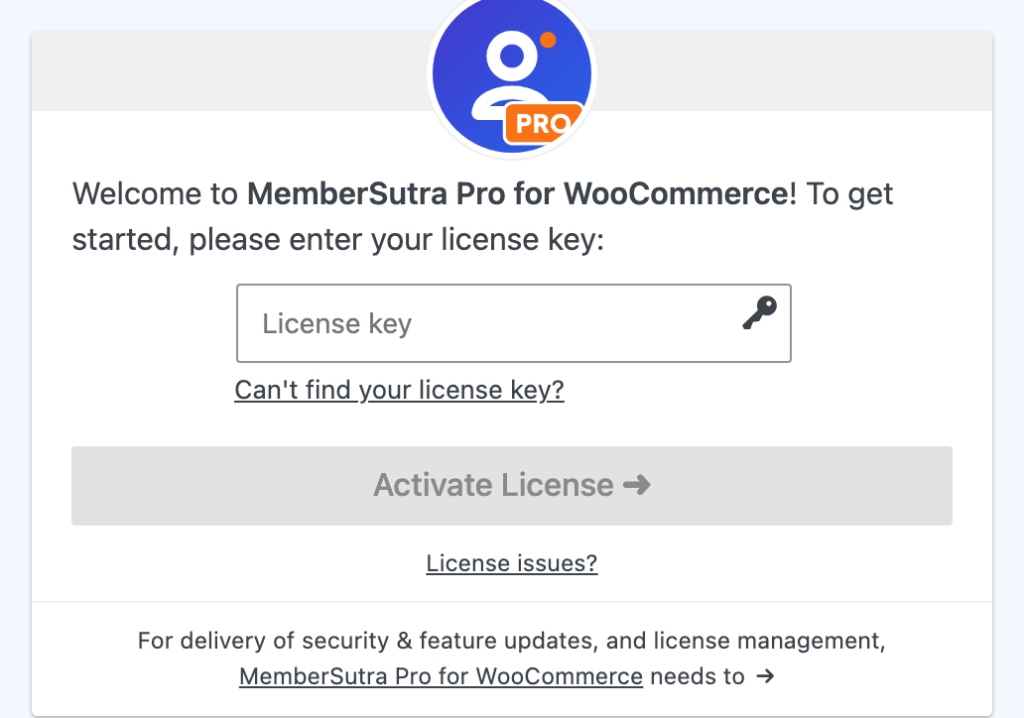
- Open MemberSutra → Pro. Paste the licence key from your purchase e-mail into License key and click Activate License.
Pro’s features switch on once the licence is active. Until then MemberSutra → Pro shows the activation form, and the free plugin keeps working as before.
After activation, the Pro screen shows every Pro feature with what it still needs before it works, the add-ons included with Pro, the installed version and a system report.
ℹ️ Good to know: Pro updates arrive on WordPress’s Updates screen while your licence is active, like any other plugin; your settings are kept. If a licence expires, Pro keeps working – only updates and support stop.
Can’t activate? #
- Check that you pasted the whole key from your purchase e-mail (the form’s “Can’t find your license key?” link helps you look it up).
- Each licence covers a number of sites. If all are in use, move the licence or upgrade it.
- Your site must be able to reach the licence server. A firewall that blocks outgoing connections stops activation – ask your host.


