
⭐ Pro feature: The member blocks come with FlexWoo Memberships Pro.
Open any page in the block editor, click + and search for “member”, or scroll to the FlexWoo Memberships group in the inserter.
The blocks #
- Member Dashboard Hub – the member’s plans, status, credits and quick links in one panel.
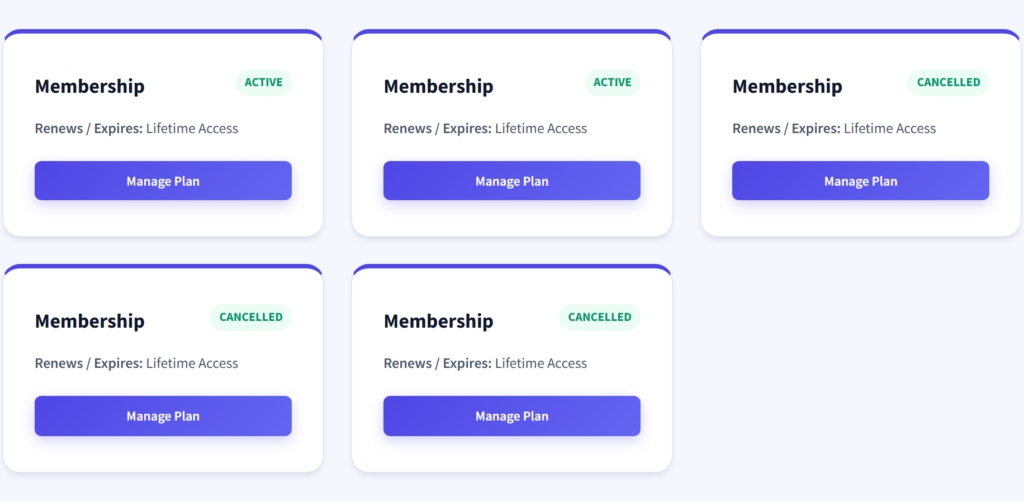
- Member Status Card – the current plan, status and renewal or expiry date.
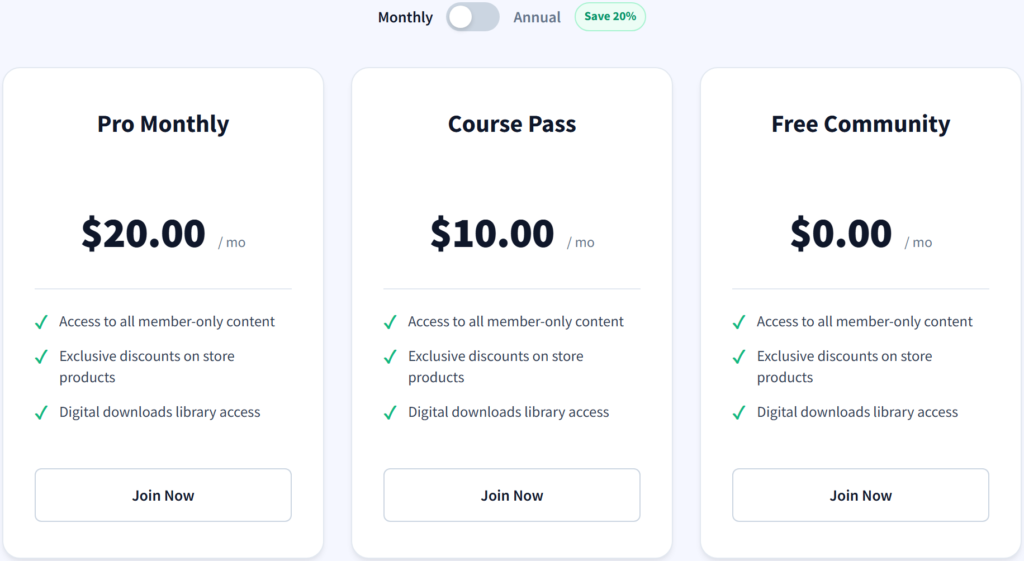
- Membership Pricing Table – your plans side by side with “Join” buttons that add the linked product to the cart.
- Member Locked Content – wrap any blocks; members of the chosen plans see them, everyone else sees a teaser and a join message.
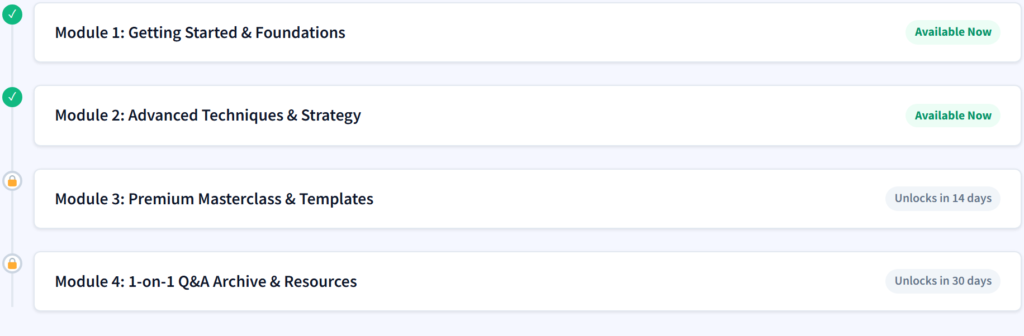
- Drip Content Schedule – what unlocks when, for the logged-in member.
- Membership Alert Banner – a notice for expiring memberships, failed payments or guests.
- Downloads Vault – the member’s downloadable files in one place.
- Member Credit Counter – download credits left this period.
- Member Discounts Grid – products with member prices.
- Gift Claim & Voucher Card – a form where gift recipients enter their code.
Build a member area page #
- Create a page called “Member Area”.
- Add Membership Alert Banner at the top, then Member Status Card.
- Add Member Locked Content, choose the plans, and put your members-only blocks inside it.
- Add Drip Content Schedule and Downloads Vault if you use them.
- Publish. Point members to it with Redirection rules.
💡 Tip: Every block has its own settings in the right-hand sidebar – colours, which plans it shows for and the texts.