
⭐ Pro feature: Gifting needs FlexWoo Memberships Pro.
- Turn on Enable Gifting under FW Memberships → Settings → Overview.
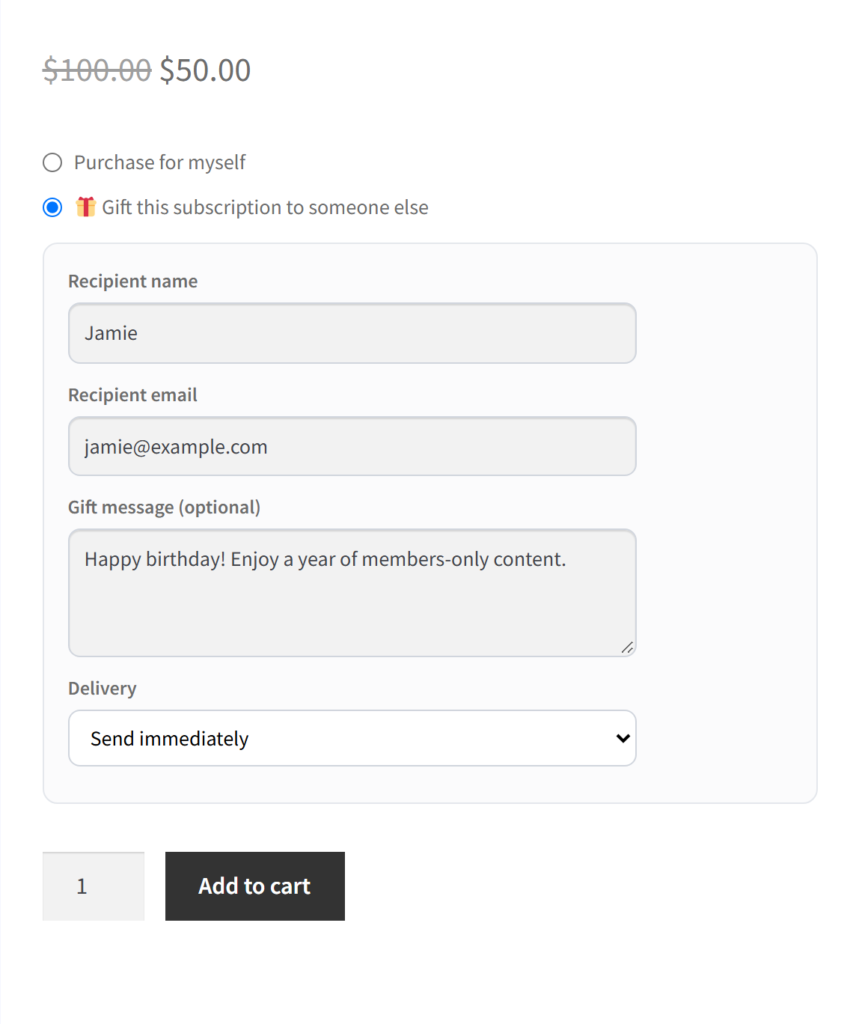
- On a membership product, allow it to be bought as a gift.
- At checkout the buyer adds the recipient’s name, e-mail, a message and a delivery date.
- The recipient gets a claim link and redeems it with the Gift Claim block or the
[flexwoo_gift_claim]shortcode.
Under FW Memberships → Gifts you can track gifts, fix a recipient’s e-mail, resend or extend claim links, and cancel or revoke a gift.